
Coaching & Mindset
Movement Coach Teaches Trainers To Give Feedback That Works Straight Away
From the FASTER syllabus: this article is taught in full in Movement Trainer (AFT), where Movement Coach's feedback lessons are taught →
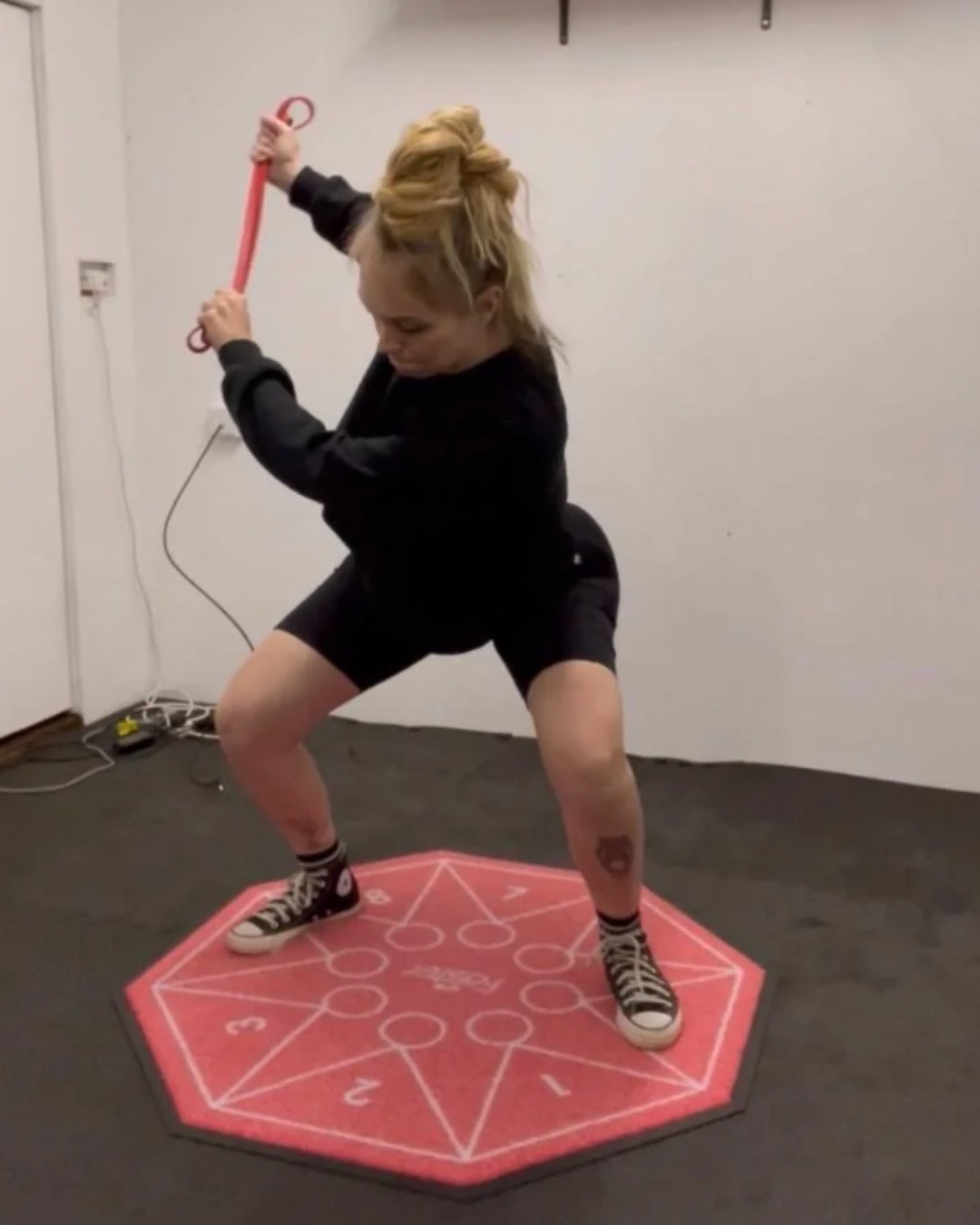
In short: Movement Coach defines feedback as the information returned to a person about the outcome of a task. It can be intrinsic, from the body itself, or extrinsic, from a coach, immediate or delayed, spoken or measured. Immediate feedback appears to give the best results when you measure how fast someone acquires a skill. Its purpose is to give the client information they can use to adjust. Feedback on the quality of the movement, even when it is not perfect, helps a client find ways to adapt to get the result they need, and helps their movement organise itself towards better options.
The short version
Feedback is the part of coaching that happens in the middle of a set, with a client who is busy moving and has about two seconds to hear you. Movement Coach gives it a plain definition: the information returned to a person about the outcome of a task. Once feedback is information, the job becomes choosing which information to hand over, and when.
Two sources, two timings, two kinds
The course sorts feedback in three ways.
Where it comes from. Intrinsic feedback comes from the body itself, the feel of the movement. Extrinsic feedback comes from outside, such as a coach.
When it arrives. Immediate or delayed.
What form it takes. Qualitative, which is verbal advice, or quantitative, which is measurable data.
That is six words, and together they cover most of what happens on a gym floor. A rep count read out loud mid-set is extrinsic, immediate and quantitative. A comment after the session is extrinsic, delayed and qualitative.
Straight away wins, for learning speed
Movement Coach is direct about timing: "Immediate feedback appears to give the best results if the measurement is based on the speed someone acquires a skill."
The wording is careful, and it is worth keeping the care. It says the best results when the measure is speed of learning. A trainer reading that can run it as a test with each client instead of a rule. Try it quickly, see whether the client picks the movement up faster, and keep what works.
What feedback is for
The course states the purpose in one line: to give people information that helps them adjust and improve. It then walks through what feedback does for a moving body.
It guides the system. Feedback interacts with the client's degrees of freedom and the constraints around them, steering the movement towards better options.
It builds adaptability. The course notes that "giving feedback on the quality of the movement, even when the form is not perfect, could help the client to find ways of adapting to achieve the result they need." The client is handed something to work with, so they keep moving and keep experimenting.
It helps movement organise itself. Patterns tend to emerge naturally, and feedback "acts as a check on the system". Feedback that relates to success in the quality of the movement helps the client self-organise.
How it sounds on the floor
A trainer says what just happened and how well it served the task: "that one travelled further than the last". The client adjusts, then adjusts again, and the movement settles. Nobody needed a lecture, and nobody was graded.
That is the tone Movement Coach teaches. Describe what is happening, measure it where you can, and give it back while it still matters.
Learning it your way
FASTER lessons come as written text, audio and video, with diagrams you can interact with. Answers can be typed or dictated. The feedback lessons sit inside the course's dynamic systems module, which is built around exactly this: movement as something that organises itself when it gets good information.
What to do next
Movement Trainer (AFT), £375 is where Movement Coach's feedback lessons live, and where they connect to the interview, the programme design and the exercise creation. Any FASTER course also opens PT Manager straight away, and adding real clients unlocks once you have passed.
FASTER Daily News sends you each day's blog links, the latest on new courses and live opportunities, and updates to PT Manager, free for students. Sign up at /newsletter.
FAQ
What is the difference between intrinsic and extrinsic feedback? Intrinsic feedback comes from the body itself, such as how a movement feels. Extrinsic feedback comes from outside, usually a coach, a mirror or a measurement.
Does feedback have to be about technique? No. The course points to feedback on the quality of the movement and on success at the task, which gives the client something to adapt around instead of a verdict.
Is immediate feedback always better? The course says it appears to give the best results when the measure is how quickly someone acquires a skill. Treat it as a starting point to test with each client.
You just read one answer. The course is all of them.
Movement Trainer (AFT), where Movement Coach's feedback lessons are taught: every answer marked by a real tutor, with free return access for life. The price is on the page, payment plans at checkout, no sales calls.
Also worth a look: PT Manager, free with any FASTER course.
See what the course covers →What every FASTER student gets
Built around you, not around the course
- A real person marks every answerEvery answer is read and marked by a tutor, with written feedback.
- Marked as you goEach teaching point is marked as you answer it, not at the end of the module.
- Dictate instead of typeA microphone on every written answer: say your answer and it types it for you (Chrome, Edge and Safari).
- Listen to the lessonsVoice-overs on the lessons, and the audio to download.
- Built for the way your brain worksShort lessons, one point at a time, marked as you go, with the choice to listen, read, print or speak your answers.
- Streaks that never punish youYou set how many days a week you want to study. Miss a day and your streak pauses; it is never lost.
- Accessible to WCAG AA, with an AAA optionEvery page measured against the WCAG accessibility standard: no faults at level A or AA, with a skip link, screen-reader labels and pages that hold together zoomed to 400%. A high-contrast option takes it to AAA.
- Keep it plainOne switch turns off the extras, the streaks, the badges, the celebrations and the movement, so the site stays plain and calm. Switch them back on whenever you like.
- Bigger text and wider spacingTwo steps of bigger text, and more room between lines, words and letters, on every page.
- Calmer motionOne switch stops animations and videos that play on their own. It is on already if your phone or computer asks for reduced motion.
- A personal video lessonWhen an answer needs real explaining, your marker records a video that lands in your course.
- A note before you sendBefore you send, the page tells you if your answer copies the lesson word for word, so you can put it in your own words.
- The skeleton and muscle labsTap any bone on the skeleton, and see the muscles light up on the model.
- Print the notesPrint the lessons and go old school.
- Case studies on your phoneBuilt into the site, saved as you go, there on your laptop when you sit down.
- Pin it to your home screenNo App Store and no Google Play. It is just there.
- No resit feesWork sent back is a chance to add more, with no resit fee.
- Return access for lifeQualify once and come back to the content whenever you need it.
- PT Manager from day onePT Manager is yours to learn on from the day you sign up. Using it with real clients comes once you hold your Level 3 and are listed on the FASTER Trainer Register.
- The FASTER Trainer RegisterA free listing on the Register once you qualify.
- Your certificates in one placeEvery course and its certificate on one page.
- Ask JohnThe Ask John button on every page, and his WhatsApp.
And PT Manager, free
53 tools to run your business, with no monthly fee and no cut of your money
PT Manager is yours to learn on from the day you sign up. Using it with real clients comes once you hold your Level 3 and are listed on the FASTER Trainer Register.
See all 53 tools
Set-up
- Import clients Bring a whole client list across in one go.
- My quotes Daily lines your clients see — yours, not stock.
- Programme templates The programme shapes you reuse — a session or twelve weeks. Pick one for a client, get your own copy.
- Exercise library Every exercise with FASTER coaching detail.
- Money Products, payments and who owes what.
- Send from your own email Connect your own email service so invites arrive from you, on your domain.
- My brand & client view What your clients see when they walk in — views, header, accent, logo.
- Your enrolment pack What every new client gets the moment you enrol them — your forms, ours, or a mix.
- Products and services What you sell — blocks, packages, memberships and one-offs, with their prices.
- Insurance Your policy on record — provider and expiry. Client features unlock while it is valid.
- My menu Switch any tool on or off — for your menu, your home and your whole account.
- Your website A free website on your own web address, filled from PT Manager. Or just the client sign-in door on your domain.
- Your public page Your verified Trainer Register listing, linking out to your own site and socials.
Business day to day
- Clients Your client list — invite, open a client, manage their space.
- Clubs Group your clients — a board they share, a programme or a monthly price if you want one.
- Challenges A dated push everyone logs against — for everyone you train, or for one club.
- Calendar Sessions, classes, capacity and bookings.
- Reminders The dates your business can't let lapse — insurance and first aid, nagged ahead of time.
- Nudges Who needs a nudge today — opportunities, one tap each.
- Who needs chasing Every conversation about money, in the order to work through them.
- What needs doing Your own list, in your own words — the jobs you keep meaning to get to.
- Till Sell at the desk — cash, card or on their phone — and download the sales sheet.
- What you are making What is coming in every month, what was paid in the last 30 days, and what sells.
Templates and systems
- Forms & interviews PAR-Q, consent, consultations and your own forms.
- Coaching room The coaching tools shelf — wheels, journeys and resources in one place.
- Radar wheels Build a life or performance wheel a client fills in — see change over time.
- Nutrition by FASTER Nutrition sheets and habits without meal-plan pretence.
- Pathways Automated coaching journeys you assign to clients.
- Programmes Start a programme — a session, a month, 12 weeks or a season — and find the ones you have built.
- Games & drills planner Build game-based sessions and drills.
- Sport screens Pick a sport — the shots to film, the analyser, and a ready-made radar of the qualities that matter.
- Movement screen → radar Read joint angles off the analyser — they auto-score and fill a radar wheel.
- Assessment builder Build and run client assessments and re-tests.
- Tag analytics Every tag across your clips, grouped and exportable.
Client
- AI prompts Your reusable prompt library for coaching copy.
- Workout library Short workouts your members put together by how they feel and how long they have.
- Before & after Side-by-side progress comparisons.
Trainer tools
- Exercise generator Fresh exercise ideas from constraints you set.
- FASTER dice & wheel Spin-and-roll session variety for groups and games.
- Movement demonstrator A 3D model of the FASTER movement patterns — body or skeleton view, prime movers lit up, live joint angles.
- Client video analysis Your media library — client folders and your own. Pick a clip to analyse.
- Movement by FASTER (HMAC) Human movement analysis charts — see how a client moves.
- Live analysis Mount your phone and coach live — skeleton, reps, angles and depth in real time.
- Tell a group One thing, to the right people — and you see exactly who it reaches first.
Media centre
- Video builder Reels, stories and client report videos, in your own branding.
- Image builder Branded posts and cards for your socials, at the right size.
- Shot list builder Every shot with its size, angle, lens, location, people, kit and sound; sorted into shooting order, ticked off on the day, printed or sent as a sheet.
- Storyboard builder Plan a video shot by shot: what the camera sees, what is said, the move and the cut.
- Script writer Write what you will say, with the word count and how long it takes to say.
- Teleprompter Read your script off the screen at your speed, and film yourself behind it.
- Content calendar Your hot topics, your series and every post planned by week and year, from idea to posted.
- Video and image organiser Everything you have made and every source you can pull from.
- Ad builder Make your own ads, coached as you go, in your branding. As many as you like, no fee, no cap.
Frequently asked
What is the difference between intrinsic and extrinsic feedback?
Intrinsic feedback comes from the body itself, such as how a movement feels. Extrinsic feedback comes from outside, usually a coach, a mirror or a measurement.
Does feedback have to be about technique?
No. The course points to feedback on the quality of the movement and on success at the task, which gives the client something to adapt around instead of a verdict.
Is immediate feedback always better?
The course says it appears to give the best results when the measure is how quickly someone acquires a skill. It describes feedback as one tool among several, so it is a starting point to test with each client.
Reading this for your own training? Every trainer on the FASTER register has been assessed by us — search by town or speciality, free.
Find a FASTER trainer →