Business & Clients
PT Manager's Wheel Of Variables Lands On One Specific Height Or Distance, And It Pairs With Today's Two Posts
From the FASTER syllabus: this article is taught in full in PT Manager, free with any FASTER course →
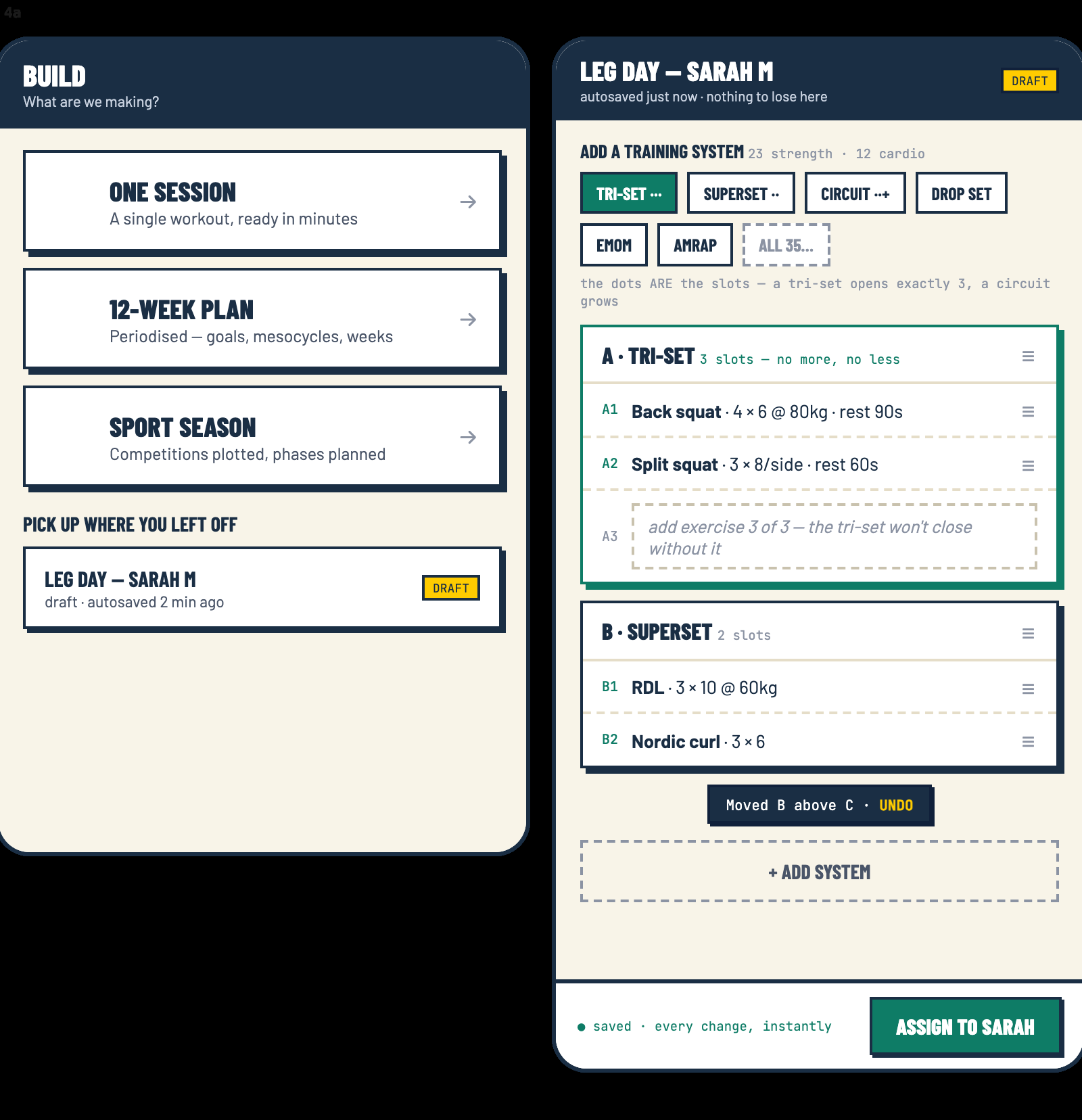
In short: PT Manager's FASTER Dice and Wheel page has a Wheel of Variables with 20 faces. One tap lands on a specific coaching command, such as At knee, Short distance, Go slow or One side only. Anything you roll can be added to a running session list, and one more tap sends the whole list to a programme card. It uses dice and physics, with no AI.
The short version
Today's Level 3 post is about the four decisions behind a session's programme card, the last of which is the progression. The Movement Coach post says a new height or distance changes how hard a movement is. PT Manager has a wheel that picks one for you.
Key Takeaways
- The Wheel of Variables has 20 faces. One tap lands on a single specific command.
- Faces include At knee, Short distance, Go slow, Pause and hold and One side only.
- Add the result to a session list, then send the list to a programme card.
The problem it takes away
Knowing that a height or distance changes the difficulty is one thing. Thinking of a fresh, specific one at the exact moment a client finishes a set is another, and the usual result is the same three variations again. The wheel hands you the next one.
What it does
Open FASTER Dice and Wheel in PT Manager. Tap the wheel and it lands on one coaching command, written as a specific value. The faces cover direction (Forward, Back, To the left, To the right), height (Above head, At chest, At hip, At knee, On the floor), the three planes (Sagittal, Frontal, Transverse), speed (Fast as you can, Go slow, Explosive, Pause and hold) and distance or side (Short distance, Full distance, One side only, Both sides).
Land on At knee and that is your height target. Land on Short distance and the reach shrinks. Both match the real and relative targets in today's Movement Coach post.
From wheel to programme card
Each roll can be added to a running list, the session you have rolled. The page also has dice for exercises and a block die with ten named programme blocks. When the list looks right, one tap sends it to a programme card, the same card the Level 3 post describes. Nothing is AI generated. It is dice, physics and the FASTER system.
Where it earns its place
Group sessions and games are the obvious fit, when a roll adds fun. It also helps a quiet planning evening, when the wheel breaks a habit of reaching for the same progression.
What to do next
Sign up with FASTER and PT Manager opens straight away, so you can spin the wheel and build a card to learn on. Adding real clients unlocks once you are qualified and on the Register. The Movement Coach course teaches the thinking behind every face.
FASTER Daily News sends you each day's blog links, the latest on new courses and live opportunities, and updates to PT Manager, free for students. Sign up at /newsletter.
You just read one answer. The course is all of them.
PT Manager, free with any FASTER course: every answer marked by a real tutor, with free return access for life. The price is on the page, payment plans at checkout, no sales calls.
Also worth a look: Movement Coach, where today's second post lives.
See what the course covers →What every FASTER student gets
Built around you, not around the course
- A real person marks every answerEvery answer is read and marked by a tutor, with written feedback.
- Marked as you goEach teaching point is marked as you answer it, not at the end of the module.
- Dictate instead of typeA microphone on every written answer: say your answer and it types it for you (Chrome, Edge and Safari).
- Listen to the lessonsVoice-overs on the lessons, and the audio to download.
- Built for the way your brain worksShort lessons, one point at a time, marked as you go, with the choice to listen, read, print or speak your answers.
- Streaks that never punish youYou set how many days a week you want to study. Miss a day and your streak pauses; it is never lost.
- Accessible to WCAG AA, with an AAA optionEvery page measured against the WCAG accessibility standard: no faults at level A or AA, with a skip link, screen-reader labels and pages that hold together zoomed to 400%. A high-contrast option takes it to AAA.
- Keep it plainOne switch turns off the extras, the streaks, the badges, the celebrations and the movement, so the site stays plain and calm. Switch them back on whenever you like.
- Bigger text and wider spacingTwo steps of bigger text, and more room between lines, words and letters, on every page.
- Calmer motionOne switch stops animations and videos that play on their own. It is on already if your phone or computer asks for reduced motion.
- A personal video lessonWhen an answer needs real explaining, your marker records a video that lands in your course.
- A note before you sendBefore you send, the page tells you if your answer copies the lesson word for word, so you can put it in your own words.
- The skeleton and muscle labsTap any bone on the skeleton, and see the muscles light up on the model.
- Print the notesPrint the lessons and go old school.
- Case studies on your phoneBuilt into the site, saved as you go, there on your laptop when you sit down.
- Pin it to your home screenNo App Store and no Google Play. It is just there.
- No resit feesWork sent back is a chance to add more, with no resit fee.
- Return access for lifeQualify once and come back to the content whenever you need it.
- PT Manager from day onePT Manager is yours to learn on from the day you sign up. Using it with real clients comes once you hold your Level 3 and are listed on the FASTER Trainer Register.
- The FASTER Trainer RegisterA free listing on the Register once you qualify.
- Your certificates in one placeEvery course and its certificate on one page.
- Ask JohnThe Ask John button on every page, and his WhatsApp.
And PT Manager, free
51 tools to run your business, with no monthly fee and no cut of your money
PT Manager is yours to learn on from the day you sign up. Using it with real clients comes once you hold your Level 3 and are listed on the FASTER Trainer Register.
See all 51 tools
Set-up
- Import clients Bring a whole client list across in one go.
- My quotes Daily lines your clients see — yours, not stock.
- Programme templates The programme shapes you reuse — a session or twelve weeks. Pick one for a client, get your own copy.
- Exercise library Every exercise with FASTER coaching detail.
- Money Products, payments and who owes what.
- Send from your own email Connect your own email service so invites arrive from you, on your domain.
- My brand & client view What your clients see when they walk in — views, header, accent, logo.
- Your enrolment pack What every new client gets the moment you enrol them — your forms, ours, or a mix.
- Products and services What you sell — blocks, packages, memberships and one-offs, with their prices.
- Insurance Your policy on record — provider and expiry. Client features unlock while it is valid.
- My menu Switch any tool on or off — for your menu, your home and your whole account.
- Your website A free website on your own web address, filled from PT Manager. Or just the client sign-in door on your domain.
- Your public page Your verified Trainer Register listing, linking out to your own site and socials.
Business day to day
- Clients Your client list — invite, open a client, manage their space.
- Clubs Group your clients — a board they share, a programme or a monthly price if you want one.
- Challenges A dated push everyone logs against — for everyone you train, or for one club.
- Calendar Sessions, classes, capacity and bookings.
- Reminders The dates your business can't let lapse — insurance and first aid, nagged ahead of time.
- Nudges Who needs a nudge today — opportunities, one tap each.
- Who needs chasing Every conversation about money, in the order to work through them.
- What needs doing Your own list, in your own words — the jobs you keep meaning to get to.
- Till Sell at the desk — cash, card or on their phone — and download the sales sheet.
- What you are making What is coming in every month, what was paid in the last 30 days, and what sells.
Templates and systems
- Forms & interviews PAR-Q, consent, consultations and your own forms.
- Coaching room The coaching tools shelf — wheels, journeys and resources in one place.
- Radar wheels Build a life or performance wheel a client fills in — see change over time.
- Nutrition by FASTER Nutrition sheets and habits without meal-plan pretence.
- Pathways Automated coaching journeys you assign to clients.
- Programmes Start a programme — a session, a month, 12 weeks or a season — and find the ones you have built.
- Games & drills planner Build game-based sessions and drills.
- Sport screens Pick a sport — the shots to film, the analyser, and a ready-made radar of the qualities that matter.
- Movement screen → radar Read joint angles off the analyser — they auto-score and fill a radar wheel.
- Assessment builder Build and run client assessments and re-tests.
- Tag analytics Every tag across your clips, grouped and exportable.
Client
- AI prompts Your reusable prompt library for coaching copy.
- Before & after Side-by-side progress comparisons.
Trainer tools
- Exercise generator Fresh exercise ideas from constraints you set.
- FASTER dice & wheel Spin-and-roll session variety for groups and games.
- Movement demonstrator A 3D model of the FASTER movement patterns — body or skeleton view, prime movers lit up, live joint angles.
- Client video analysis Your media library — client folders and your own. Pick a clip to analyse.
- Movement by FASTER (HMAC) Human movement analysis charts — see how a client moves.
- Live analysis Mount your phone and coach live — skeleton, reps, angles and depth in real time.
- Tell a group One thing, to the right people — and you see exactly who it reaches first.
Media centre
- Video builder Reels, stories and client report videos, in your own branding.
- Image builder Branded posts and cards for your socials, at the right size.
- Shot list builder Every shot with its size, angle, lens, location, people, kit and sound; sorted into shooting order, ticked off on the day, printed or sent as a sheet.
- Storyboard builder Plan a video shot by shot: what the camera sees, what is said, the move and the cut.
- Script writer Write what you will say, with the word count and how long it takes to say.
- Teleprompter Read your script off the screen at your speed, and film yourself behind it.
- Video and image organiser Everything you have made and every source you can pull from.
- Ad builder Make your own ads, coached as you go, in your branding. As many as you like, no fee, no cap.
Frequently asked
What does the Wheel of Variables do?
One tap lands on a single specific coaching command, such as At knee, Short distance, Go slow or One side only.
Can the result go on a programme card?
Yes. Add what you rolled to the session list, then send the list to a programme card.
Is it free?
PT Manager opens the moment you sign up with FASTER to learn on. Adding real clients unlocks once you are qualified and on the Register.
Reading this for your own training? Every trainer on the FASTER register has been assessed by us — search by town or speciality, free.
Find a FASTER trainer →